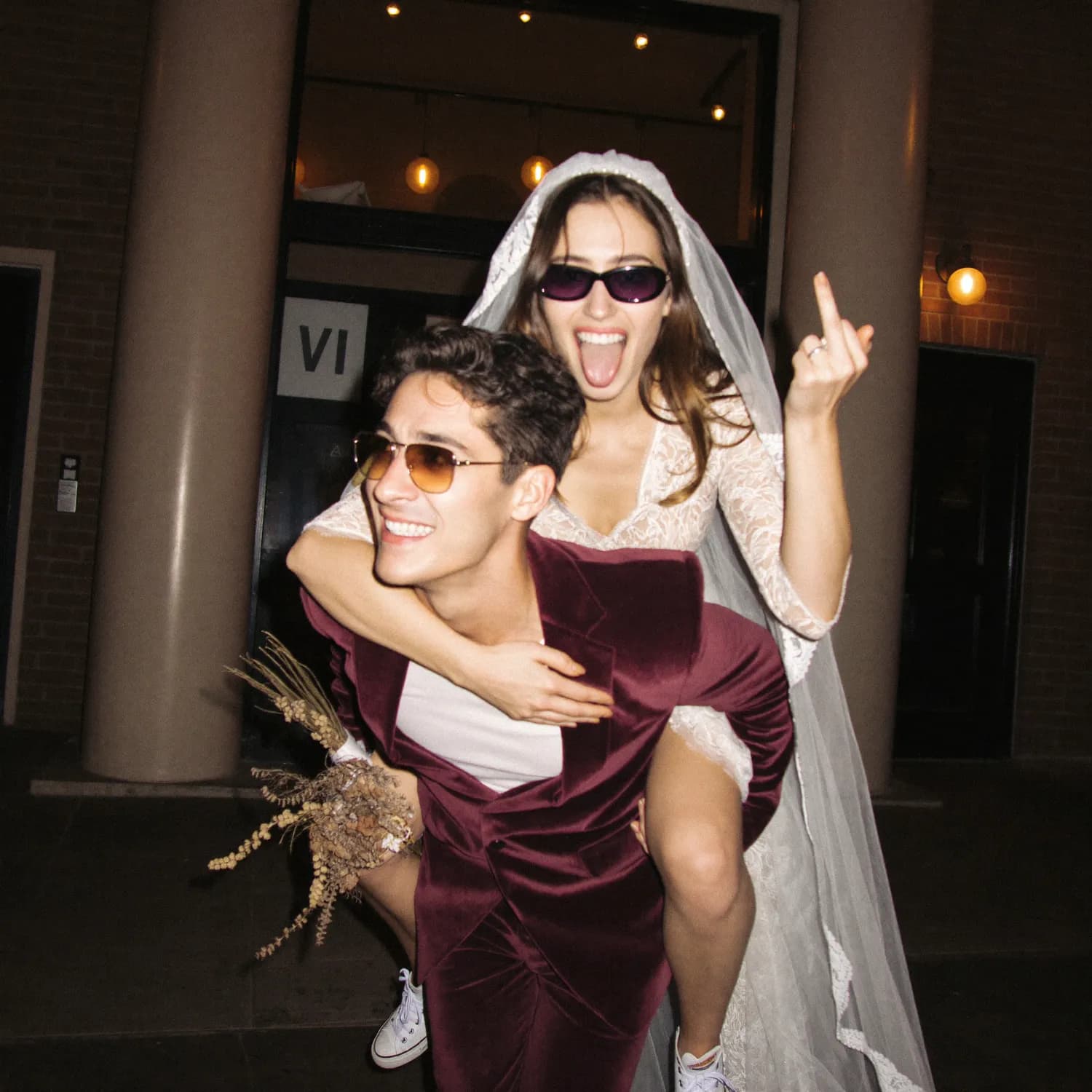
Wedding Thank-You and Photo Request Message Templates
Use warm next-day and follow-up message templates to thank wedding guests and ask them to add their best photos to one shared album or upload link.
OurFilmMagyarThe best wedding photo request starts with thanks, asks for a small action and includes one direct link. Send it the next day while camera rolls are still fresh, then use one gentle follow-up before closing the collection.
Next-day message
Thank you for celebrating with us. We are still smiling about yesterday. If you took any photos or short videos, please add your favourites here: [link]. We would love to see the day from your point of view.
Short group-chat version
Thank you for an unforgettable day. Please send your best wedding photos to our shared album: [link]. One or two favourites are perfect.
Message for a QR card or email
You helped make our wedding what it was. Help us remember the moments we missed by adding your photos to our private guest album before [date]: [link].
Reminder message
A small final reminder before we close our guest album on [date]. If there is a photo from the wedding you think we should keep, please add it here: [link]. Thank you again for being part of the day.
For original-quality files
If you have a photo we may want to print, please upload the original file rather than sending a screenshot or social-media copy: [link].
Make the request easier to answer
Set a deadline, explain whether video is accepted and avoid asking guests to join several folders. A request for “your best three” feels achievable; “send everything” can be postponed indefinitely.
The strongest strategy is still to introduce the guest upload flow during the wedding rather than depending entirely on messages afterwards.
- When should we ask guests for wedding photos?
- Introduce the collection method during the event, then send a thank-you request the next day and one final reminder before closing it.
- Should we ask guests to send every photo?
- A request for selected favourites is easier to complete and reduces duplicates. Ask for originals when print quality matters.
- How long should the upload link remain open?
- Choose a clear deadline that fits the service window, then download and back up the final collection.
- Should the message include privacy information?
- Yes. Say who can view the album and avoid implying that private guest photos will be posted publicly without consent.