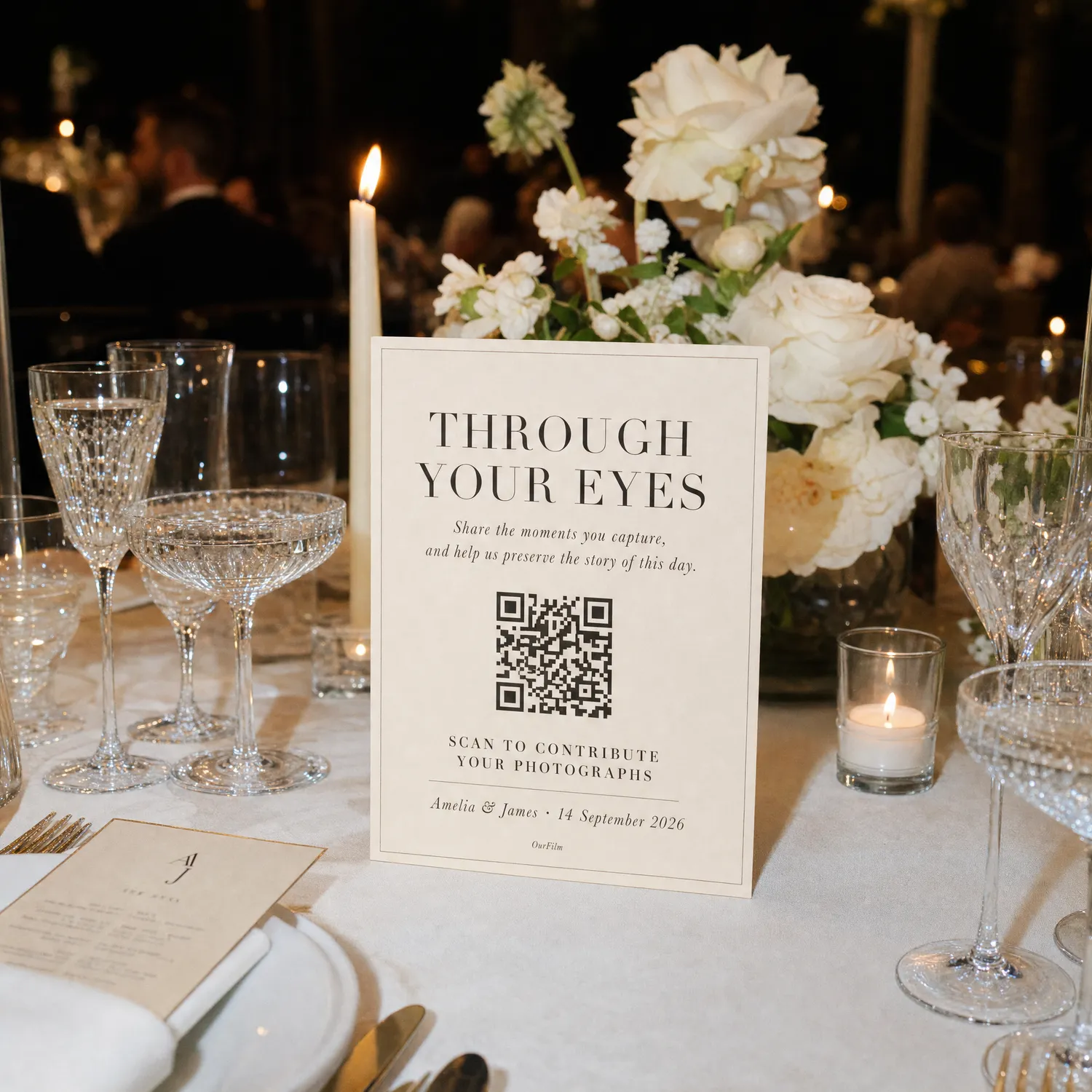
Wedding Photo QR Code: A Step-by-Step Guest Camera Guide
Create a QR-code wedding guest camera by choosing the shot limit and reveal, testing real phones, printing signs and using a clear announcement.
OurFilmMagyarA wedding photo QR code works when it opens one tested guest destination and explains what happens next. The code itself is only a shortcut; the camera or upload experience behind it determines participation.
1. Choose the guest action
Decide whether guests should upload existing files or take new photos through a shared camera. For a camera, choose the number of frames, when capture ends and when the album reveals.
2. Create the real event first
Do not print a temporary code. Finish the event setup, copy the final URL and generate the QR from that address. Printed materials are expensive to replace.
3. Test the full journey
Use at least one iPhone and one Android phone. Test the scan, landing page, camera permission, capture, upload and gallery state. Repeat with mobile data and venue Wi-Fi if possible.
4. Design for scanning
Use dark code modules on a light quiet background. Leave clear space around the code, avoid glossy glare and print a readable fallback URL. Test the smallest card from the distance guests will actually use.
5. Repeat it where photos happen
Place small copies on tables, near the bar, guestbook and dance-floor edge. One large entrance sign is easy to miss while guests are arriving.
6. Announce it once
Ask the MC or wedding party to say:
Scan the code on your table, open our shared camera and help us capture the moments we cannot see. Your photos will appear after the event.
Start with the complete wedding photo QR-code setup, then print only after the final device test passes.
- Does a wedding photo QR code store photos?
- No. It opens a URL. The camera, gallery or cloud service at that URL stores and manages the media.
- How large should the printed QR code be?
- Size depends on scanning distance and print quality. Test the final physical sample on several phones rather than relying on a universal number.
- Should every table have the same QR code?
- Usually yes. One destination is easier to explain and produces one final album.
- What should appear beside the QR code?
- State the action, whether an app is required, any shot limit and when guests will see the photos.