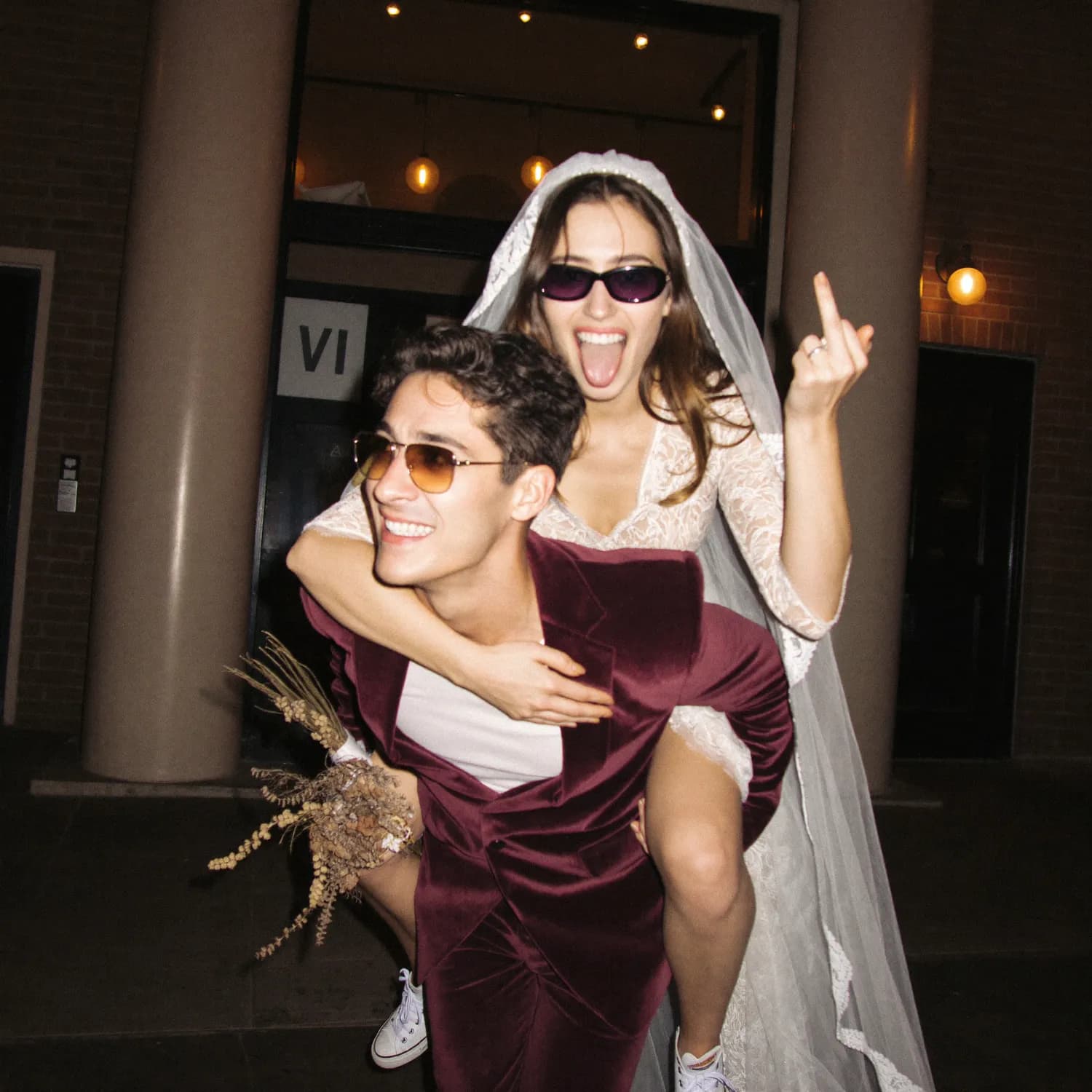
Wedding Photo Album Privacy: What to Check
Protect a private wedding photo album with clear guest consent, careful link sharing, child-photo rules, moderation, retention and secure backups.
OurFilmMagyarA wedding photo album is private only when access, contribution and onward sharing are deliberately controlled. A hard-to-guess link helps, but it does not stop an invited guest from forwarding that link or downloading a photo.
Set expectations before the event
Tell guests what the camera or upload link is for, who may see the gallery and whether photos might later appear publicly. Give people a simple route to ask for a photo to be hidden or removed.
Be especially careful with children, vulnerable guests and ceremonies where photography is restricted. The couple's preference does not replace a parent's or subject's reasonable privacy concern.
Review access controls
Check whether the gallery is indexed, whether a password or PIN exists, who can invite others, whether contributors can delete files and how long the link remains active. Do not print a public social-media destination if the desired outcome is a private family archive.
Moderate before broader sharing
The host should be able to hide inappropriate, accidental or sensitive images. Review the album before sending it to the entire guest list, and avoid facial recognition or public tagging unless participants expect it.
Download and close the loop
After the agreed contribution period, download the archive, make a separate backup and close uploads that no longer need to remain open. Delete the online event when its retention purpose ends.
These are practical design principles, not legal advice. For the guest flow, compare a private no-app photo-sharing page with your venue and jurisdiction's requirements.
- Is an unlisted wedding album completely private?
- No. It reduces discovery, but anyone who receives the link may still access it unless stronger controls are enabled.
- Should guests be asked for consent?
- Explain how photos will be collected and shared, and provide a practical way to opt out or request removal.
- How should photos of children be handled?
- Follow the wishes of parents or guardians and avoid public sharing when consent is unclear.
- How long should the online gallery stay open?
- Only as long as needed for contribution and delivery. Preserve the archive separately, then review or close public access.